The visual language and design system that defines how Lord Systems presents itself to the world.
The Lord Systems logo mark is paired with the bold upright wordmark to form the primary brand lockup. Use the gradient version on light backgrounds and the white version on dark or colored backgrounds.
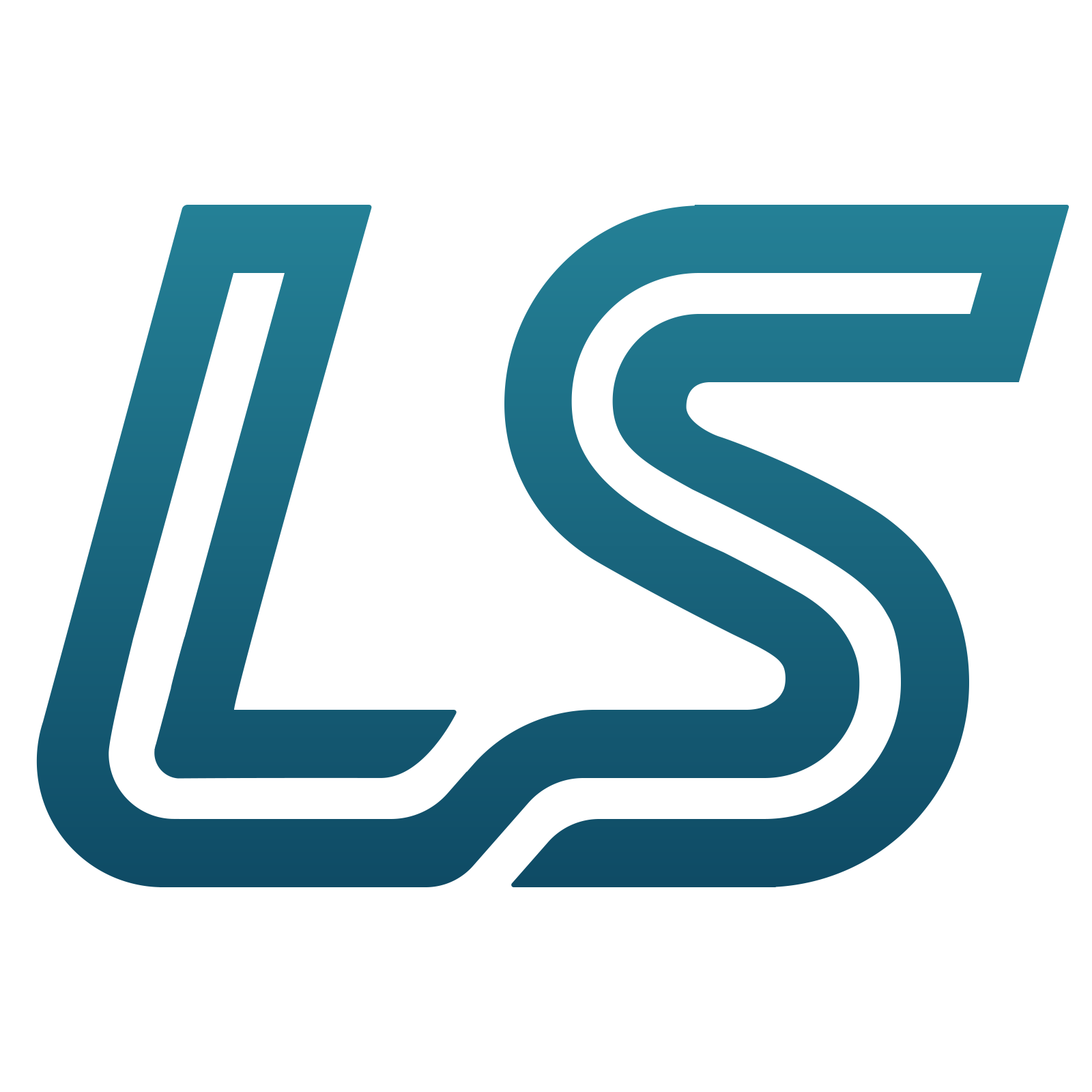
The logo mark can be used independently at smaller sizes or as an icon/favicon.
Always maintain clear space around the logo equal to the height of the "L" in the wordmark. Never crowd the logo with text or other elements.
Don't stretch or distort
Don't rotate
Don't place on busy backgrounds
Don't add outlines or effects
Three roles: brand cobalt anchors trust and product identity and carries the single loud CTA, Ultra Violetis the premium accent for Pro and creative surfaces, andsignal cyan marks "alive" moments (AI, realtime, new) — used sparingly at ≤2% of any screen.
Ultra Violet is the secondary accent for premium, Pro, and creative surfaces. It is never a CTA fill — cobalt owns the action; violet adds depth and signals something elevated.
Signal is reserved for AI, realtime indicators, and "new" badges. Keep it ≤2% of any screen and never place it adjacent to the cobalt CTA.
Red Hat Display sets headings and the wordmark (700–800);Inter carries body and UI. Both are self-hosted variable fonts. Display 800 upright is reserved for the wordmark.
Gradients run 135° by convention. Reserved for hero moments, brand lockups, and soft card fills — never as button or icon fills.
Elevation tokens express intent, not arbitrary depth. Use --elevation-ctaonly on the cobalt CTA — it carries the brand glow.
Core interactive elements and their visual states. All interactive elements meet the 44px minimum tap target and use:focus-visible for keyboard focus.
Each Lord Systems product has its own mark. Product logos should always appear in their designated colors and never be mixed with the parent brand gradient.